You haven't signed in yet, you can have a better experience after signing in
*Please complete the payment within {{receiveCouponInfo.expire_at}}Previous use*
You haven't signed in yet, you can have a better experience after signing in



Activity Rules
1、Activity time:{{ info.groupon.start_at }} ~ {{ info.groupon.end_at }}。
1、Activity time:cease when sold out。
2、Validity period of the Group Buying:{{ info.groupon.expire_days * 24 }} hours。
3、Number of Group Buying:{{ info.groupon.need_count }}x。
Please Pay Attention
1、Teamwork process: Join/initiate a Group Buying and make a successful payment - Within the validity period, the number of team members meets the activity requirements - Group Buying succeeded!
2、If the number of participants cannot be met within the valid period, the group will fail, and the paid amount will be refunded in the original way.
3、The number of people required and the time of the event may vary among different products. Please pay attention to the rules of the event.
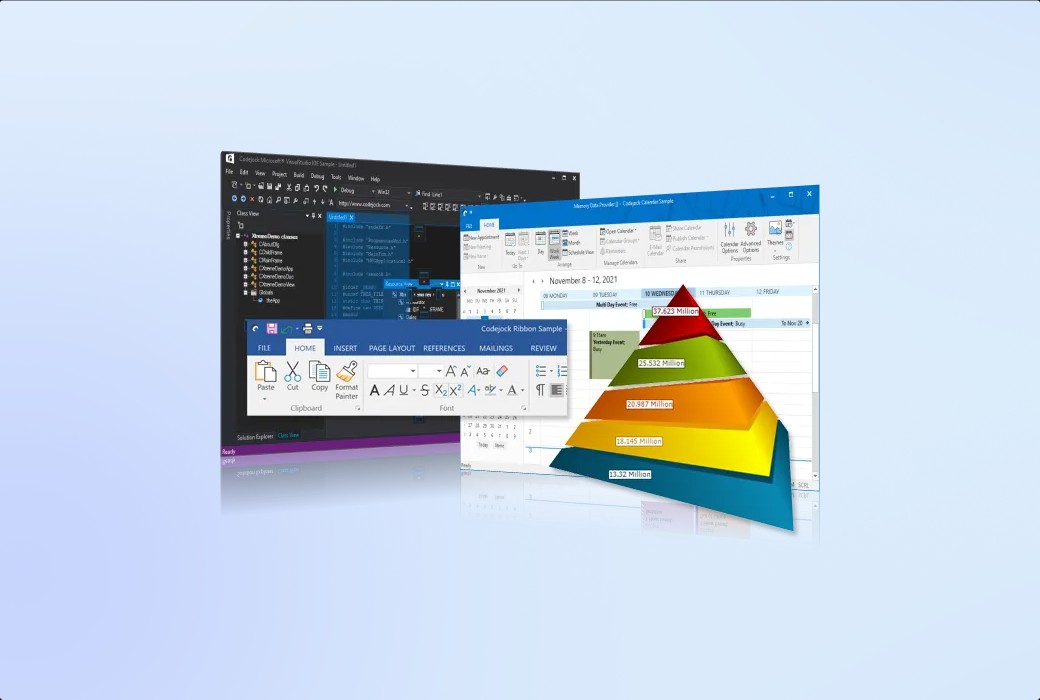
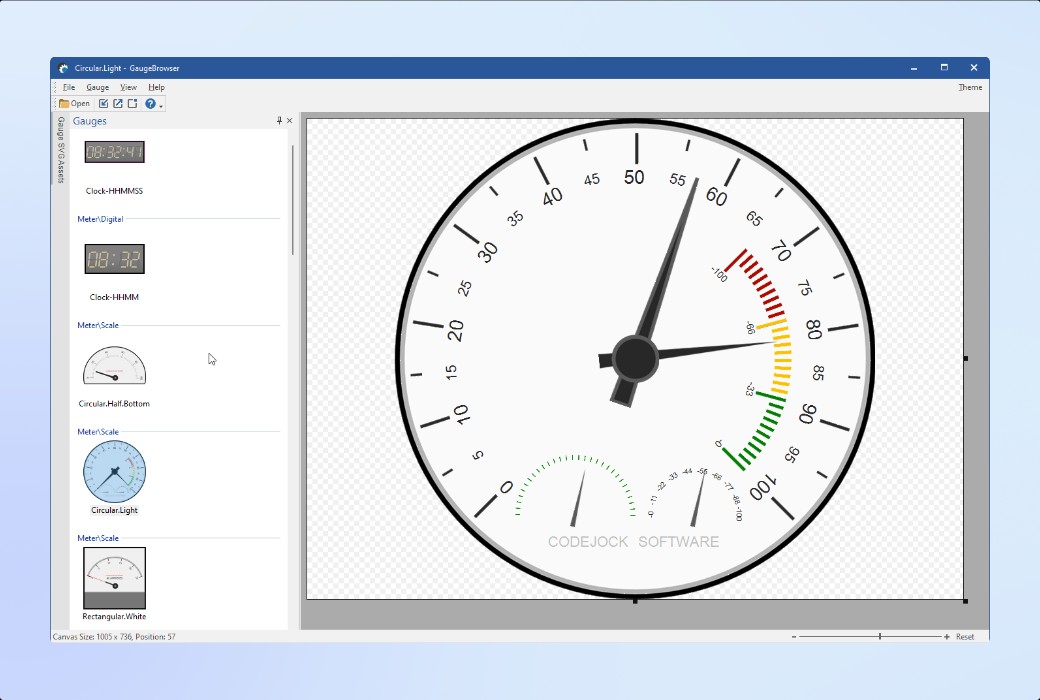
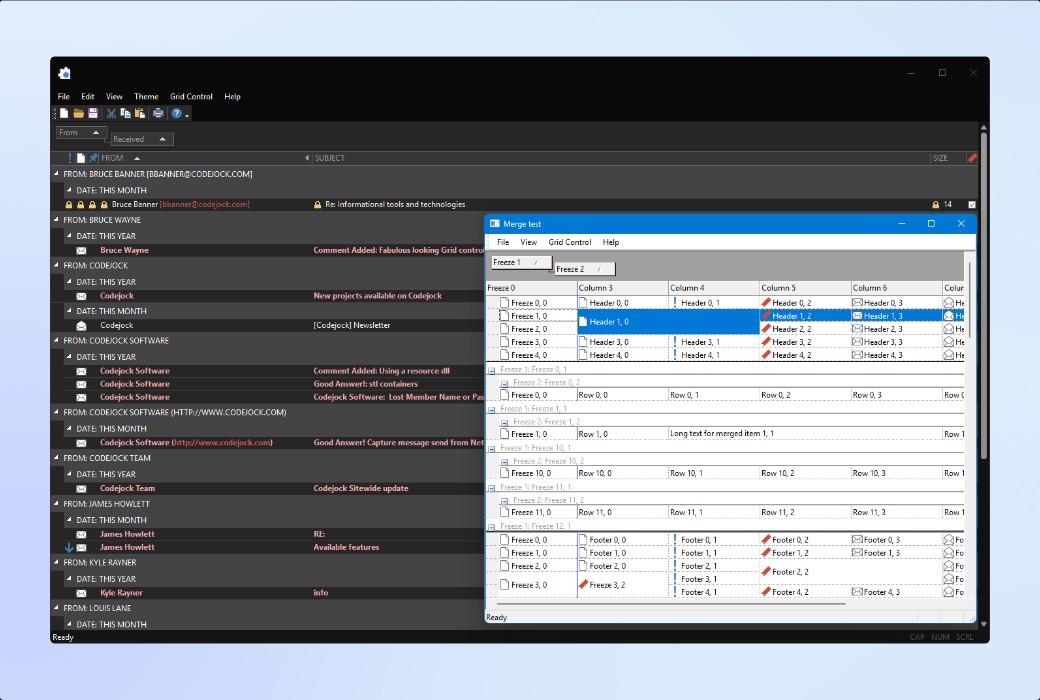
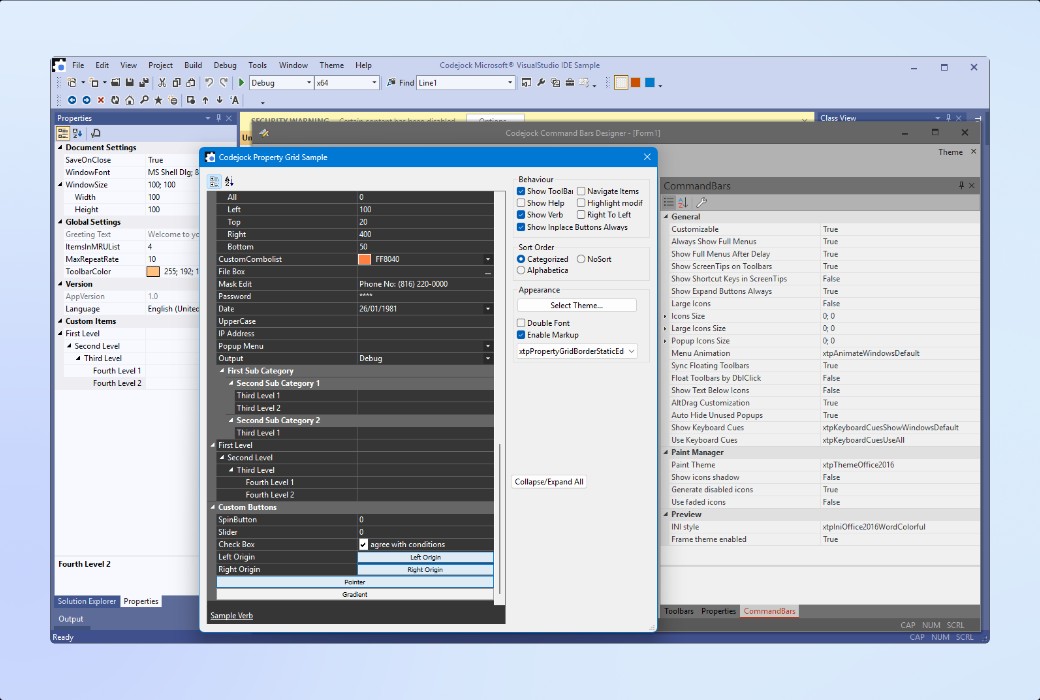
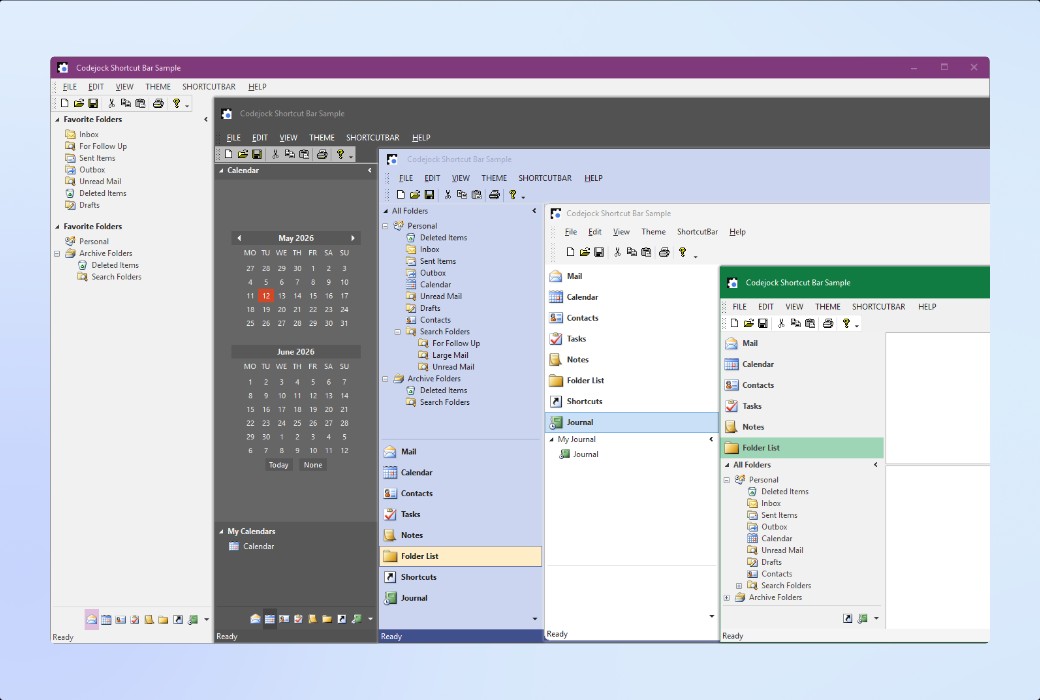
Toolkit Pro provides developers with tools to build modern Windows desktop applications. The software includes a highly customizable set of Visual C++ MFC user interface components, including push windows, office-style taskbars, command bars, toolbars, menus, and advanced controls.
Toolkit Pro is designed to support native MFC development, modernize application interfaces, enhance usability, and provide a smooth and consistent user experience across all screens.
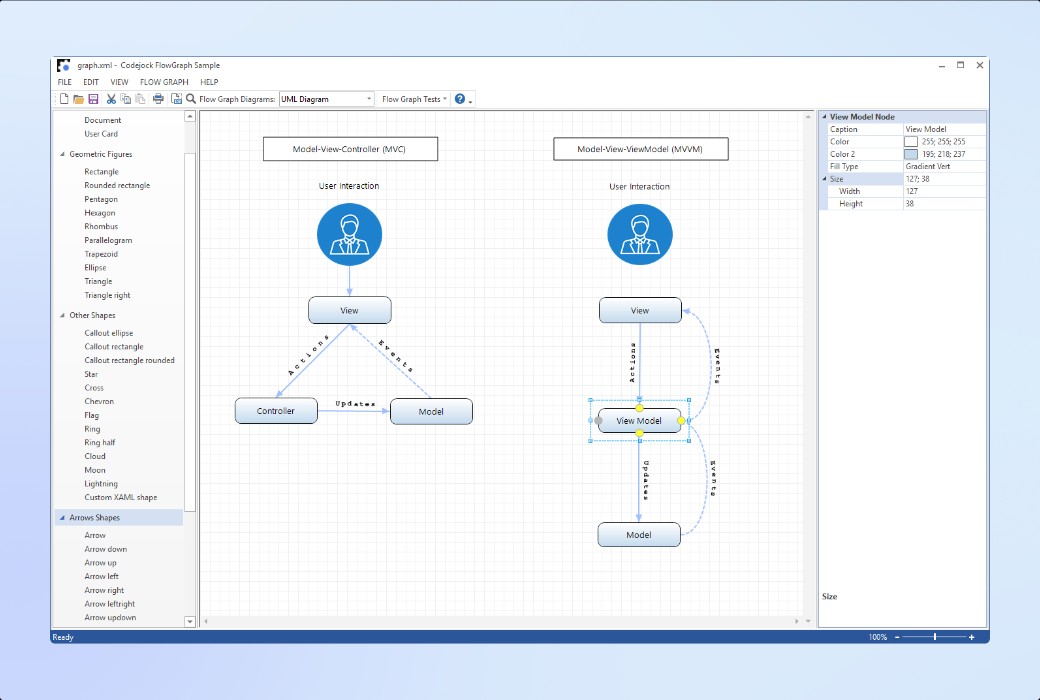
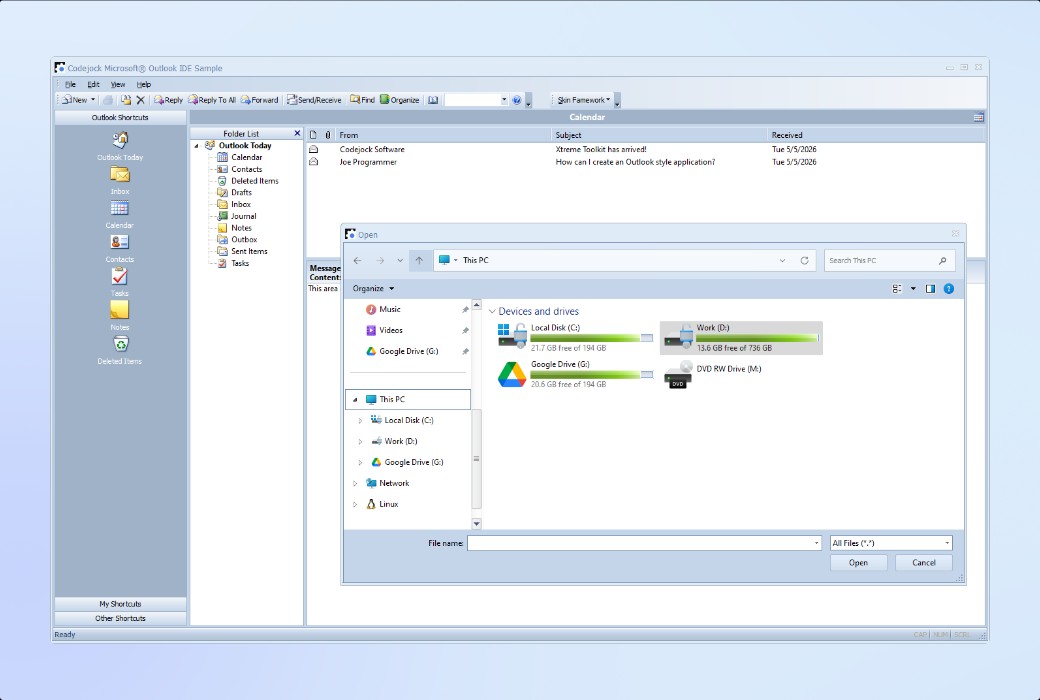
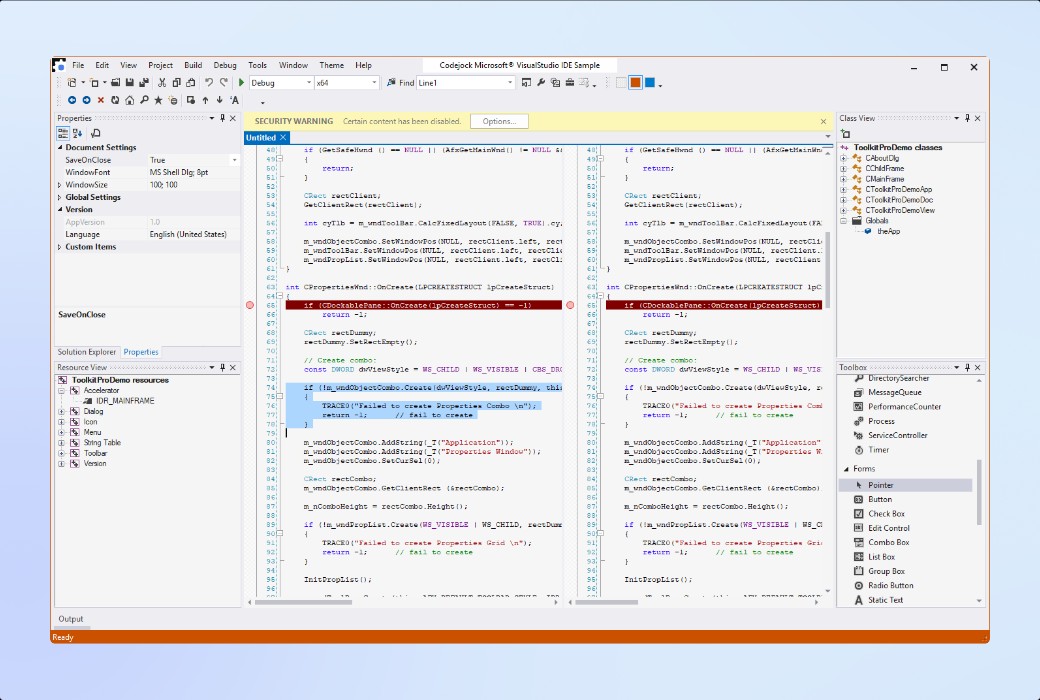
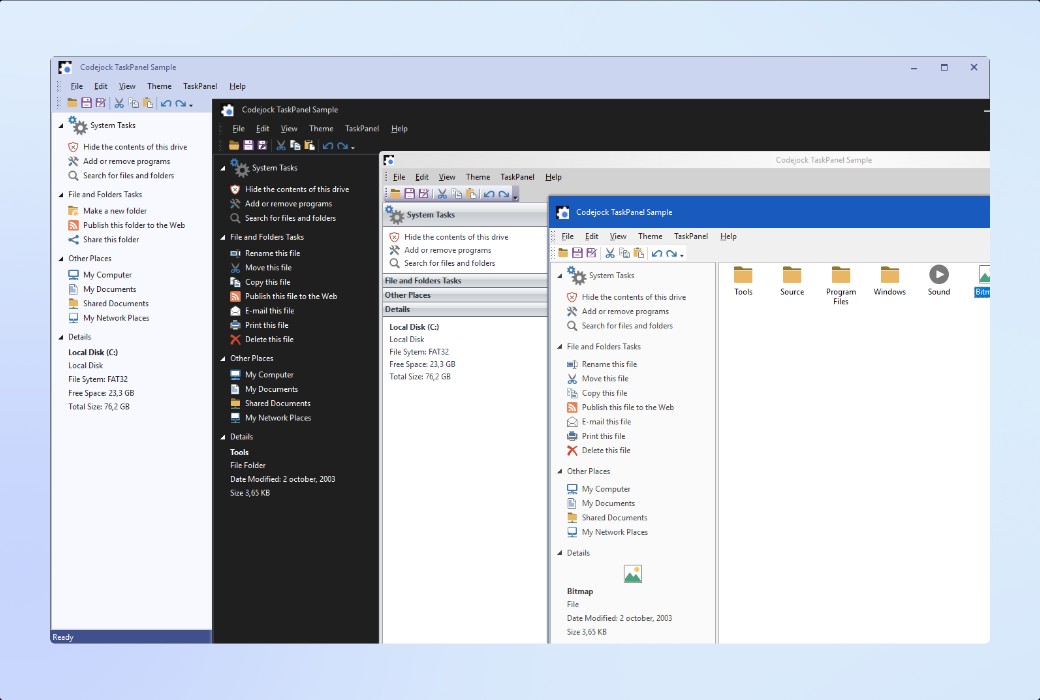
The following highlights showcase how various controls enhance the usability, aesthetics, efficiency, and consistency of MFC applications:
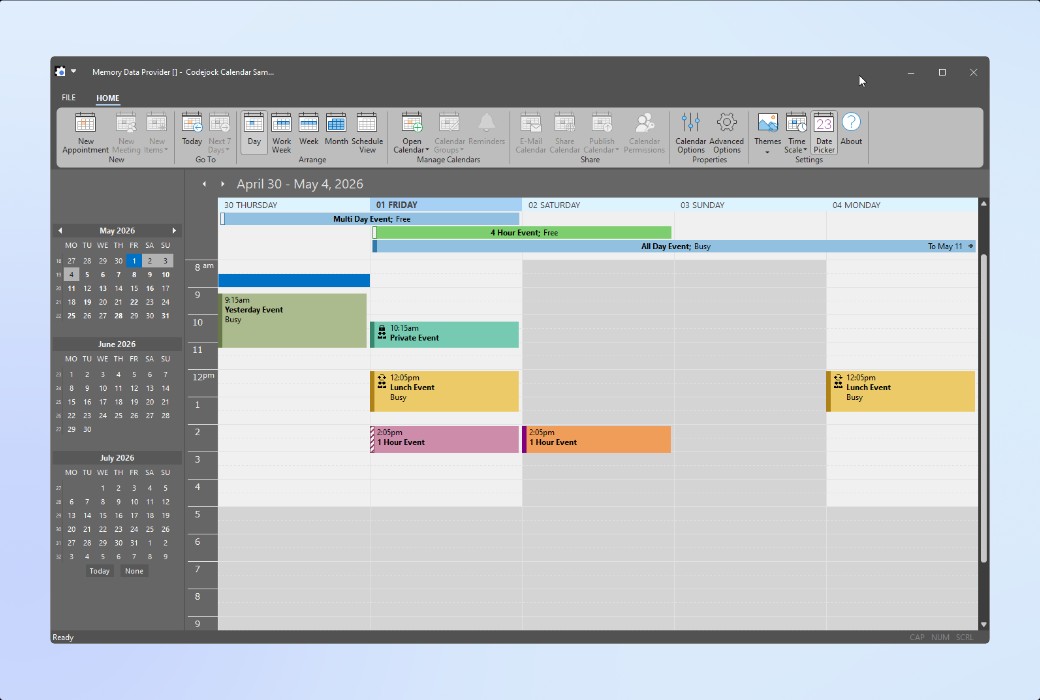
Add calendar functionality, date selection tools, and scheduling capabilities to your Windows applications. Additionally, the system provides flexible view design, appointment management features, and a wealth of customization options.
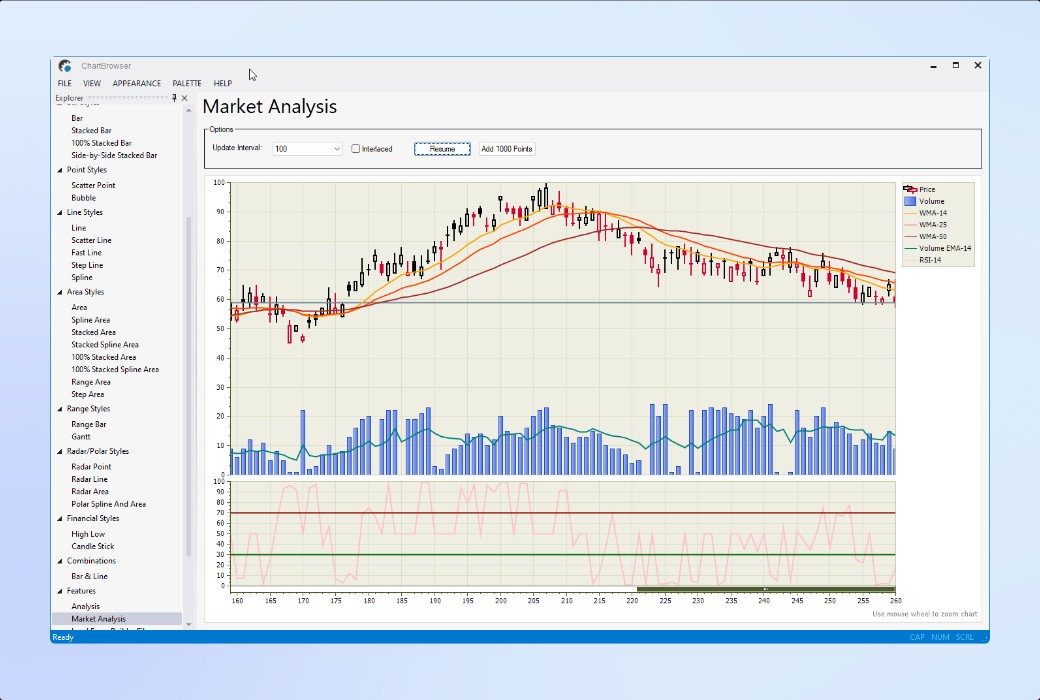
Add professional charting and data visualization capabilities to your Windows applications. Supports financial charts, 2D and 3D chart styles, composite charts, labels, legends, and interactive data display functions.
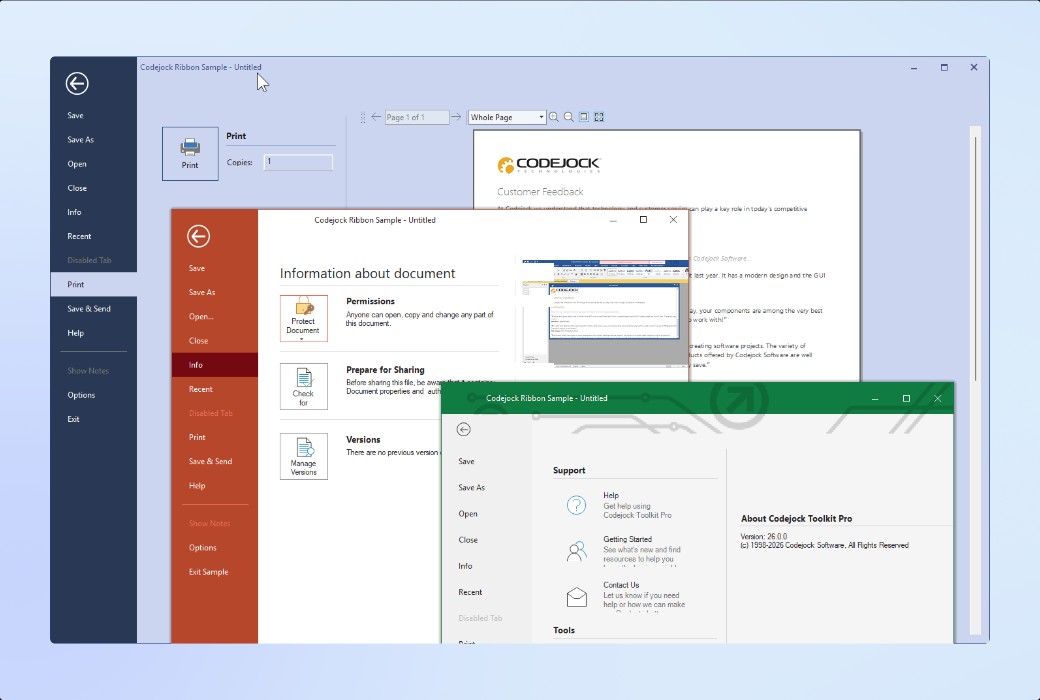
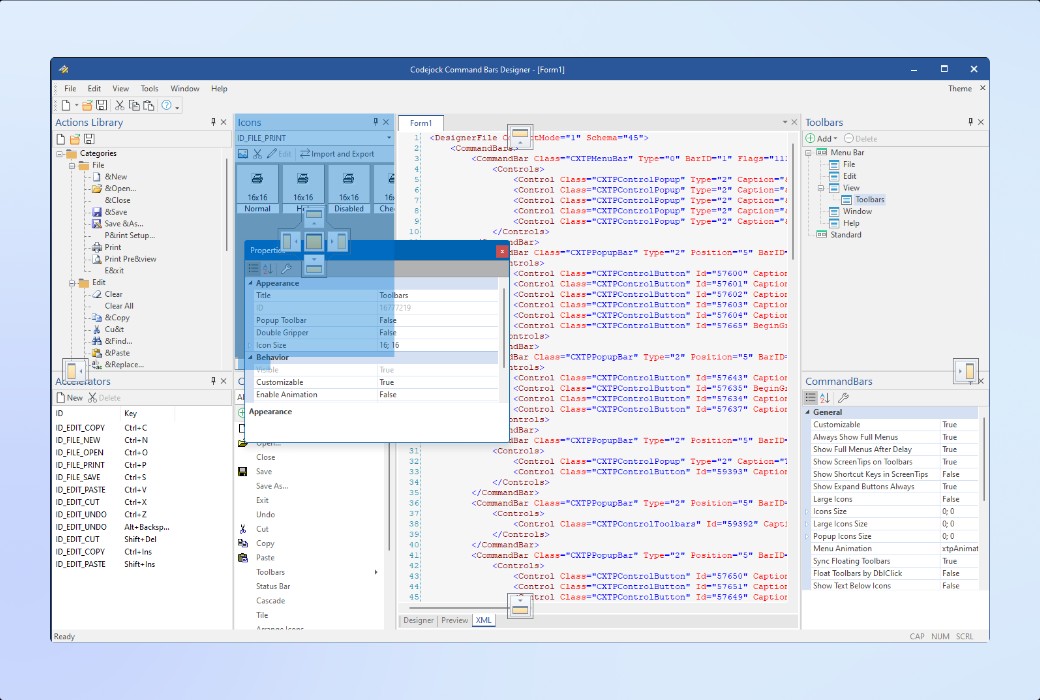
Add professional command bars, menus, toolbars, ribbon controls, pop-up galleries, background views, and themed command interfaces to your Windows applications.
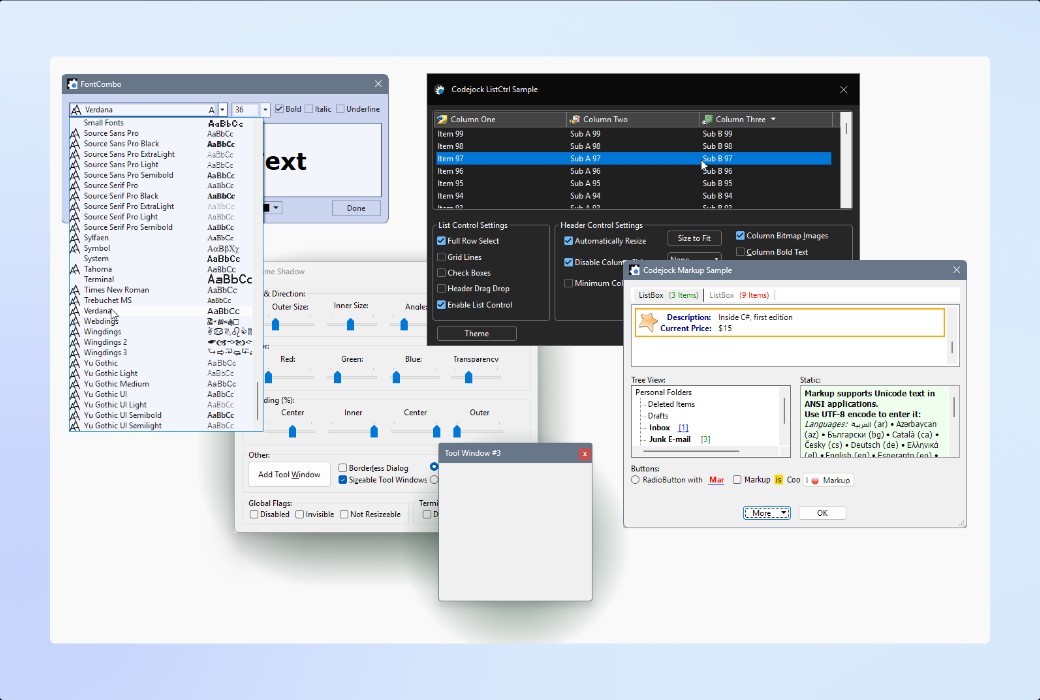
Add a series of professional Windows user interface controls, including buttons, combo boxes, dialog boxes, editing controls, label controls, list views, tree views, progress bars, scrollbars, marker controls, embedded browser views, etc., which can be directly used in interface design.
.Official Website:https://codejock.com/products/toolkitpro/
Download Center:https://codejock-toolkitpro.apsgo.cn
Shipping Time: Manual online processing for shipping
Operating Platform: Windows
Interface Language: Supports English interface display.
Update Instructions: Varies based on the purchased license.
Trial Before Purchase: Free trial available before purchase.
How to Receive the Product: After purchase, activation information will be sent to the email used for ordering. Additionally, the corresponding product activation code can be viewed in the personal center, under "My Orders".
Number of Devices: Varies based on the purchased license.
Replacing Computer: Uninstall on the original computer and activate on the new one.
Activation Guide: To be added.
Special Instructions: To be added.
References:https://codejock.com/products/toolkitpro/

Any question